
Microsoft Applied Skills: Protect information in Microsoft 365 Copilot by using Microsoft Purview — Worth It for SysAdmins?
If your day job lives anywhere near Microsoft 365, Copilot, Purview, Intune, Entra ID, or security/compliance work, this is one of the most interesting AI credentials Microsoft has published.
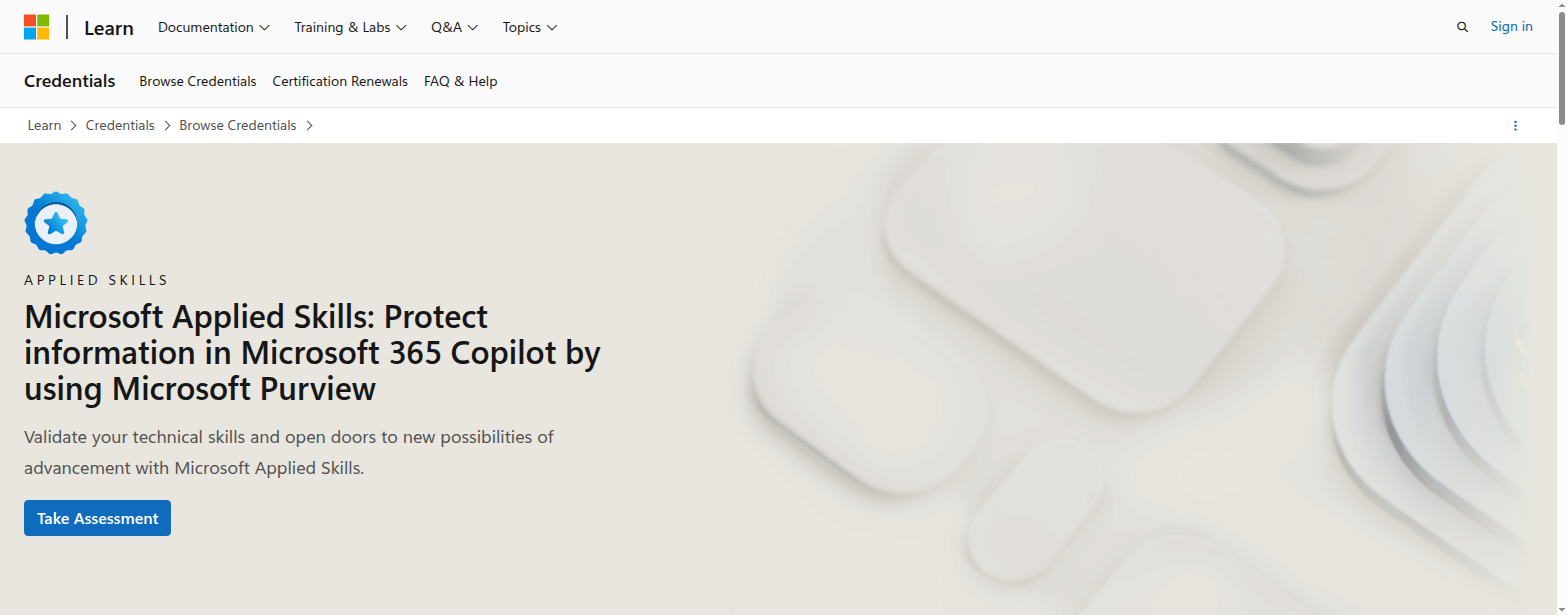
Why? Because it is not trying to turn you into a data scientist, and it is not just a vocabulary test. It is a 45-minute interactive lab that checks whether you can actually protect information in a Microsoft 365 Copilot environment using Microsoft Purview.
That makes it unusually practical for desktop engineers and sysadmins who are being asked to support AI rollouts without becoming full-time developers.
Quick verdict
| Category | Verdict |
|---|---|
| Best for | Microsoft 365 admins, information protection admins, desktop engineers supporting Copilot governance |
| Provider | Microsoft Learn |
| Credential type | Applied Skills badge |
| Level | Intermediate |
| Assessment | 45-minute interactive lab |
| Prep path | 2 hr 55 min learning path, 3 modules |
| Practical ROI | High if your environment is Microsoft 365-heavy |
| Biggest strength | Real admin work: Purview, DLP, audit, DSPM, sensitivity labels |
| Biggest limitation | Less useful if you want broad AI theory or cloud-agnostic skill proof |
Bottom line: if your team is already dealing with Copilot security, compliance, or data leakage concerns, this badge is a strong ROI play.
What this credential actually proves
Microsoft says candidates must demonstrate the ability to protect information in Microsoft 365 Copilot by using Microsoft Purview.
That sounds narrow, but it is exactly why the credential matters.
The page calls out the key knowledge areas:
- Microsoft Purview Information Protection
- Microsoft Purview Data Loss Prevention
- Microsoft Purview Audit
- Microsoft Purview Data Security Posture Management (DSPM)
- Microsoft Purview portal workflows
- DLP policies in Microsoft 365
- data classification concepts like sensitive information types and sensitivity labels
For admins, that is real work.
If your company is rolling out Copilot, the hard part is often not the AI feature itself. It is the governance around it:
- what data Copilot can surface
- what gets labeled and protected
- what gets blocked by DLP
- what gets audited
- what you can prove to security and compliance teams
This Applied Skills badge focuses directly on those problems.
Why this is a better fit than many AI credentials for sysadmins
Most AI certs for IT people land in one of four buckets:
- Very broad fundamentals
- Developer-heavy build courses
- Business/strategy leadership badges
- Lab-based applied credentials
This Microsoft badge is in bucket 4, which is the sweet spot for a lot of endpoint and M365 admins.
The reason is simple: many sysadmins do not need to know how to train a model. They need to know how to govern the model, restrict the data it can touch, and explain the controls to the business.
That is especially true for teams managing:
- Microsoft 365 Copilot rollouts
- data protection policies
- sensitive file handling
- compliance and retention concerns
- internal AI usage policies
- shadow AI risk
If that sounds like your environment, this credential is more relevant than a generic AI fundamentals badge.
What the assessment looks like
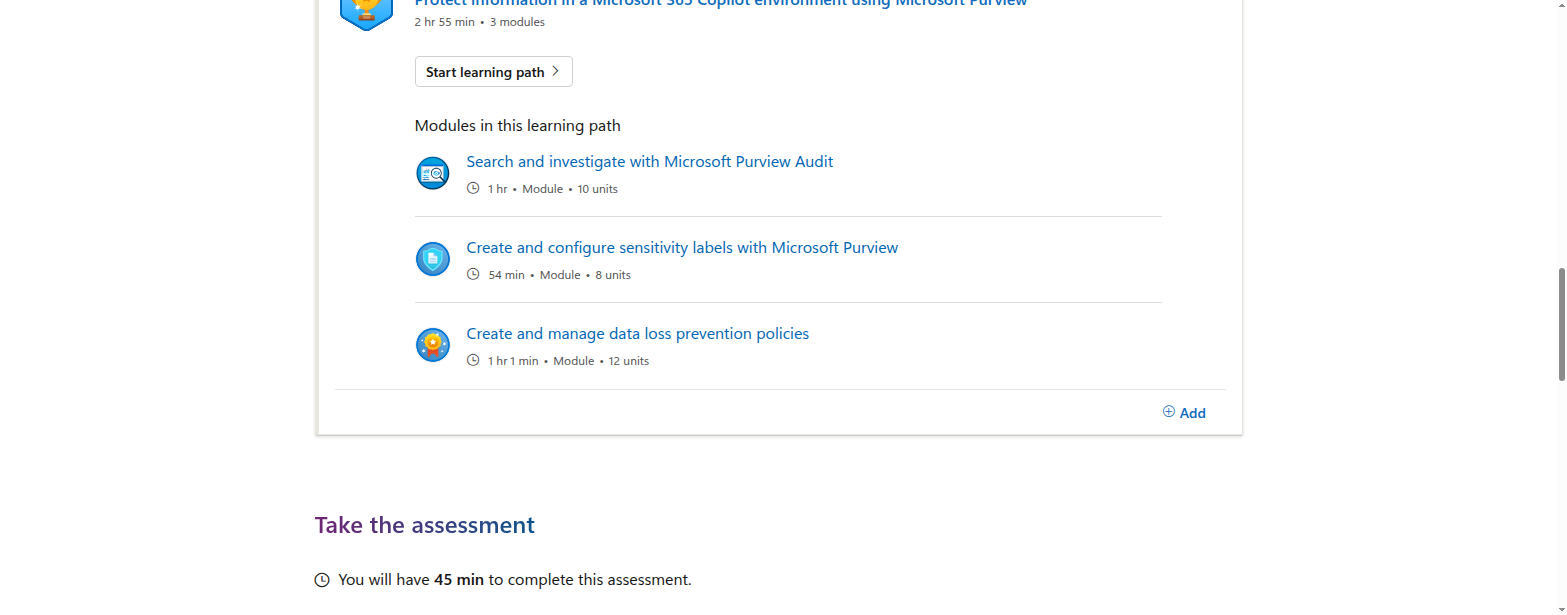
Microsoft’s own page says the assessment uses an interactive lab and gives you 45 minutes to complete it.
The associated learning path is short and focused:
- Protect information in a Microsoft 365 Copilot environment using Microsoft Purview
- 2 hr 55 min
- 3 modules
The modules are practical, not decorative:
- Search and investigate with Microsoft Purview Audit
- Create and configure sensitivity labels with Microsoft Purview
- Create and manage data loss prevention policies
That is the kind of content that maps directly to real admin tickets.
Why desktop engineers should care
A lot of desktop engineers see AI credentials and assume they are for cloud architects or application developers.
This one is different.
Desktop and endpoint teams increasingly get pulled into questions like:
- Why is Copilot showing content it should not?
- Which files are protected by labels?
- How do we stop sensitive data from being pasted into AI tools?
- Can we prove the policy is working?
- What logs should we check when a user says Copilot exposed the wrong thing?
If you own the endpoint or the Microsoft 365 admin experience, you are already part of the AI governance chain.
This credential helps you speak the language of:
- compliance controls
- data classification
- audit evidence
- DLP policy design
- information protection workflows
That is a meaningful career upgrade because it moves you from “support person” to “platform guardrail owner.”
How it compares with AWS, Google Cloud, and Coursera
I compared this Microsoft badge with three of the most common AI upskilling routes IT people consider today.
AWS Certified AI Practitioner
AWS’s AI Practitioner is a Foundational certification with a 90-minute exam, 65 questions, and 100 USD cost. It is aimed at people who are familiar with AI/ML on AWS, and the role examples include IT support and IT manager.
That makes it a decent cross-cloud AI entry point, but it is still broader and more conceptual than Microsoft’s Purview lab.
Google Cloud Generative AI Leader
Google’s certification is very accessible: 90 minutes, 50–60 multiple choice questions, $99, and no prerequisites. It is explicitly for any job role, even without hands-on technical experience.
That is great for awareness, but it is more of a business-level gen AI credential than an admin control badge.
Coursera: Microsoft Generative AI Engineering Professional Certificate
Coursera’s Microsoft program is a 5-course series, intermediate level, and takes about 3 months at 8 hours a week. It is designed for developers and focuses on building, fine-tuning, and deploying generative AI solutions with Azure AI Foundry, Azure OpenAI Service, and Azure ML.
That is useful, but it is a much bigger time commitment and much more developer-oriented than the Purview Applied Skills badge.
The takeaway
If you want:
- broad AI awareness → Google or AWS
- hands-on application development → Coursera
- Microsoft 365 Copilot governance and information protection → this Microsoft Purview Applied Skills badge
For desktop engineers and sysadmins, that last option is the most job-adjacent.
Who should take it
This credential makes the most sense if you are one of these people:
- Microsoft 365 administrator
- Information protection or compliance admin
- Desktop engineer supporting Copilot rollouts
- Endpoint architect who touches DLP and sensitivity labels
- SysAdmin in a Microsoft-heavy environment
- Security admin who needs to understand the AI governance layer
Who should skip it
Skip it if you want:
- a general AI theory credential
- a cloud-provider-agnostic badge
- a developer portfolio project
- machine learning model training content
- a certification that is more useful outside the Microsoft stack
Prep strategy
The fastest prep path is probably:
- Review the Microsoft Purview portal if you have access.
- Revisit DLP, sensitivity labels, audit, and DSPM basics.
- Work through the three-module learning path.
- Rehearse the likely admin actions in your own tenant or lab.
- Think in terms of policy outcomes, not AI buzzwords.
If you already manage Microsoft 365 security settings, this should feel familiar.
Final verdict
For desktop engineers and sysadmins in Microsoft-first environments, this is one of the better AI-related credentials Microsoft has published because it validates something useful: can you protect Copilot-connected data with Purview controls?
That is a real business problem.
It is also the kind of problem IT teams are being asked to solve right now.
So yes: worth it — especially if your job already involves Microsoft 365 governance, endpoint policy, or information protection.
If you want the broadest AI credential possible, look at AWS or Google. If you want hands-on AI app building, look at Coursera. If you want the most practical Microsoft Copilot governance badge for IT operations, this is the one to beat.