
Microsoft Applied Skills: Build AI-Powered Solutions with Azure Database for PostgreSQL — Worth It for IT Pros?
Most AI credentials for IT professionals land in one of three buckets:
- Too shallow to prove anything useful.
- Too broad to map cleanly to real work.
- Too technical to be realistic for a busy desktop engineer or sysadmin.
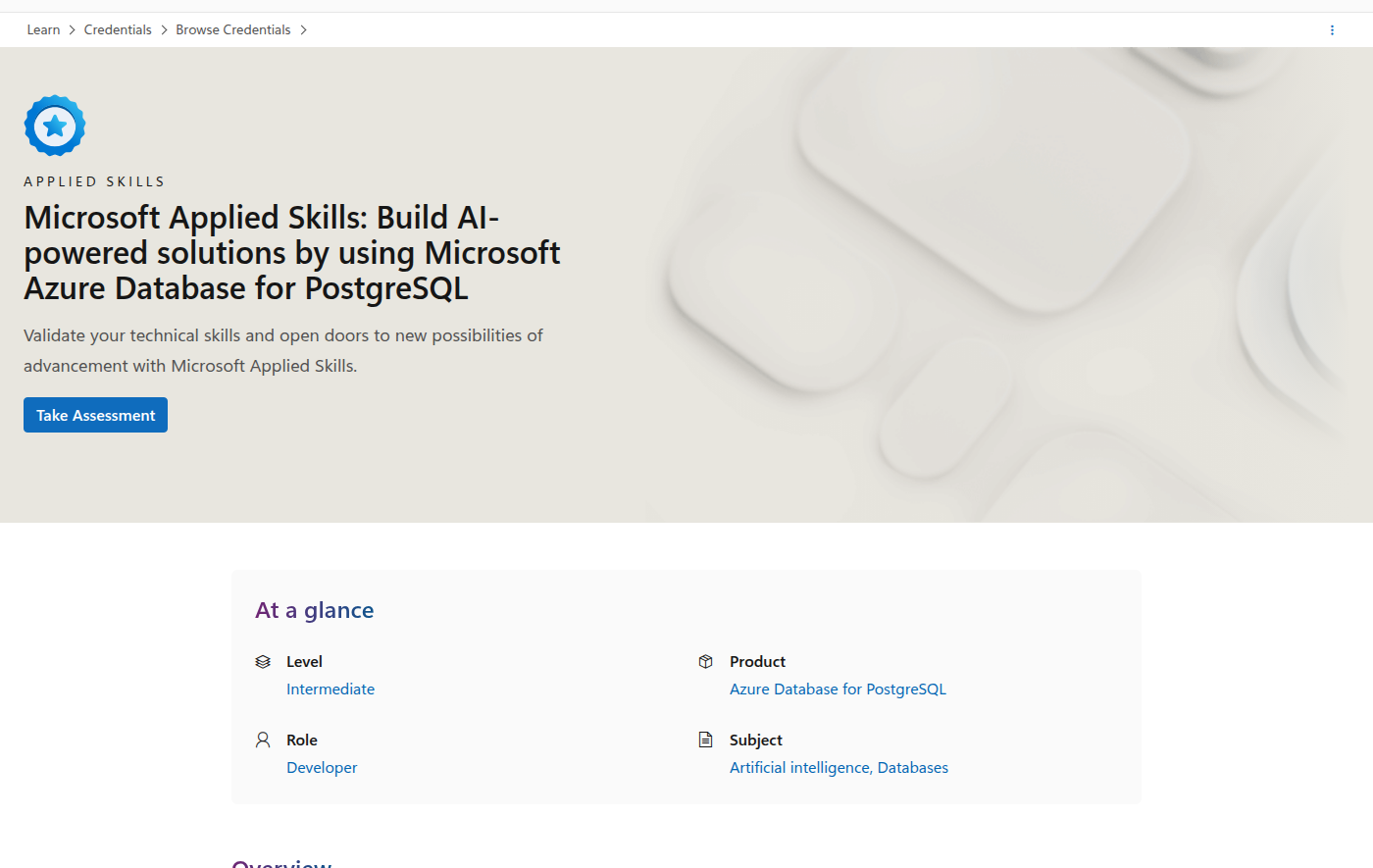
Microsoft Applied Skills: Build AI-powered solutions by using Microsoft Azure Database for PostgreSQL is interesting because it sits in the middle. It is a hands-on assessment lab focused on RAG, semantic search, embeddings, and AI-powered application patterns, not a multiple-choice trivia test.
That makes it a better fit for IT pros who are moving toward platform engineering, internal tooling, data-backed AI workflows, or Azure-adjacent application support.
Quick verdict
| Category | Verdict |
|---|---|
| Best for | IT pros who want practical AI skills tied to data, search, and Azure app backends |
| Worst for | Pure endpoint admins who never touch SQL, Python, or application platforms |
| Provider | Microsoft Learn |
| Credential type | Applied Skills badge |
| Format | Interactive assessment lab |
| Difficulty | Intermediate |
| Prep time | Moderate if you already know SQL and basic Python |
| Practical ROI | High for DBA-adjacent sysadmins, platform engineers, and internal app owners |
| Biggest risk | It expects SQL, Python, and RAG familiarity |
| My recommendation | Strong if you want an AI badge that connects directly to real backend work |
Official credential page: https://learn.microsoft.com/en-us/credentials/applied-skills/build-ai-powered-solutions-by-using-microsoft-azure-database-for-postgresql/
Why this credential stands out
During research for this article, I compared the Microsoft badge against the AI certs IT pros actually ask about in 2026:
- AWS Certified AI Practitioner: good vendor branding, but mostly foundational AI literacy.
- Google Cloud Generative AI Leader: very approachable and cheap, but intentionally strategic rather than build-oriented.
- Coursera programs such as Microsoft Generative AI Engineering or Microsoft AI Agents: deeper learning, but much slower and less directly validated.
- Microsoft Applied Skills on Copilot or Foundry: more hands-on, but often narrower or more role-specific.
This PostgreSQL badge is valuable because it ties AI to a stack many IT teams already operate:
- databases
- search
- embeddings
- RAG
- application integration
- GitHub Copilot-assisted development
That is real infrastructure-adjacent AI work, not just certification theater.
What Microsoft actually evaluates
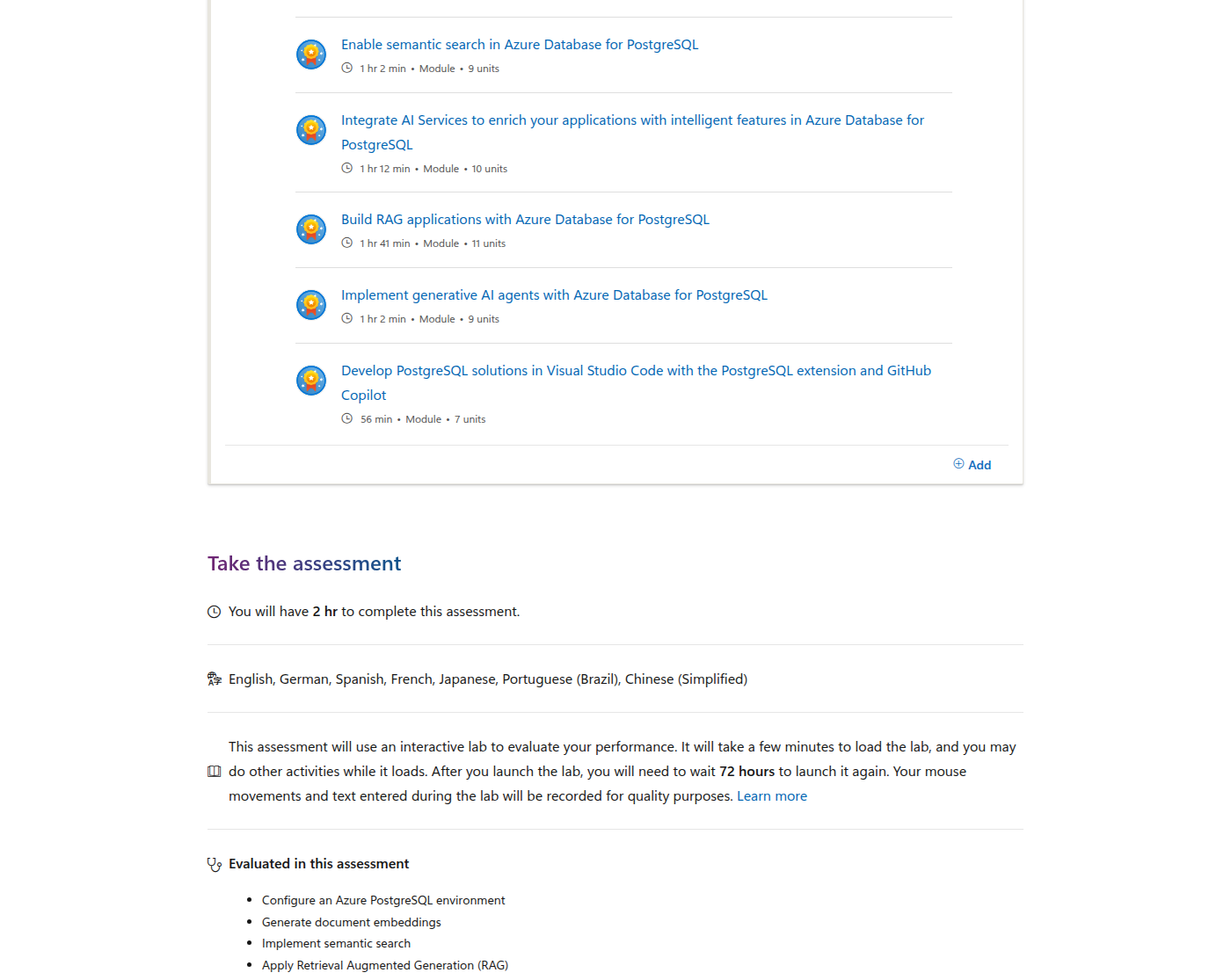
Microsoft says the assessment lab evaluates five core skills:
- Configure an Azure PostgreSQL environment
- Generate document embeddings
- Implement semantic search
- Apply Retrieval Augmented Generation (RAG)
- Transform and analyze natural language
That is a strong signal because it tests the exact building blocks that show up in enterprise AI pilots.
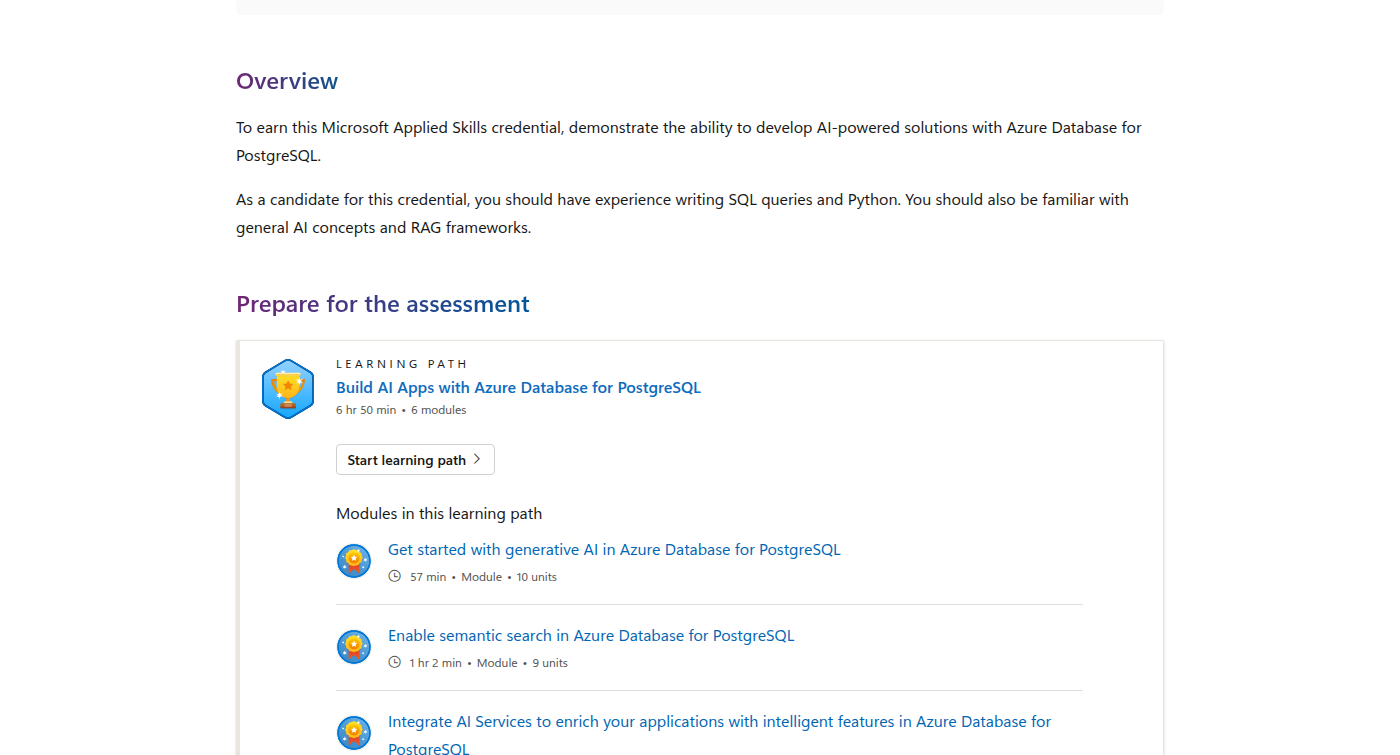
The study path also makes the scope clear. Microsoft expects candidates to have experience writing SQL queries and Python, plus general AI knowledge and RAG frameworks.
What the learning path looks like
Microsoft pairs the badge with a 6 hour 50 minute learning path made up of 6 modules:
- Get started with generative AI in Azure Database for PostgreSQL — 57 min
- Enable semantic search in Azure Database for PostgreSQL — 1 hr 2 min
- Integrate AI Services to enrich your applications with intelligent features in Azure Database for PostgreSQL — 1 hr 12 min
- Build RAG applications with Azure Database for PostgreSQL — 1 hr 41 min
- Implement generative AI agents with Azure Database for PostgreSQL — 1 hr 2 min
- Develop PostgreSQL solutions in Visual Studio Code with the PostgreSQL extension and GitHub Copilot — 56 min
That last module is a quiet win for IT pros. It shows that Microsoft is not treating this as a pure AI lab. It is also about the actual developer workflow around the database.
Why desktop engineers and sysadmins should care
At first glance, this looks like a developer badge. For a pure help desk or endpoint-management role, that is mostly true.
But there are three practical reasons IT pros should still pay attention:
1. Internal search and support tools are becoming AI-shaped
A lot of enterprise AI value starts with a simple question:
How do we build a search or assistant layer over the knowledge we already have?
That usually means document embeddings, retrieval, and a database-backed search workflow. This badge maps directly to that reality.
2. AI projects still need people who understand operations
Even if you do not write the app full-time, someone still needs to care about:
- environment configuration
- connectivity
- guardrails
- data flow
- update and rollback paths
- how the app behaves when search or inference fails
That is familiar territory for sysadmins who have already spent years supporting business-critical systems.
3. It is a cleaner bridge than jumping straight into heavy ML study
If your career direction is moving from desktop engineering into platform, automation, or cloud-adjacent work, this badge gives you a practical bridge without requiring a full machine-learning degree path.
The assessment format is the real value
The strongest part of this credential is the assessment lab format.
Microsoft gives you 2 hours to complete the assessment, and it is explicitly interactive. The page also warns that once you launch the lab, you have to wait 72 hours before launching it again.
That matters because it keeps the credential grounded in actual execution rather than memorization.
How it compares with AWS, Google Cloud, and Coursera
Here is the practical comparison for IT professionals.
| Credential | Provider | Format | Hands-on signal | Best fit |
|---|---|---|---|---|
| Microsoft Applied Skills: Build AI-powered solutions by using Azure Database for PostgreSQL | Microsoft | Interactive lab | High | IT pros who want practical RAG and semantic-search skills tied to Azure data services |
| AWS Certified AI Practitioner | AWS | Foundational exam | Low to medium | IT pros who want AI vocabulary and cloud brand recognition |
| Google Cloud Generative AI Leader | Google Cloud | Certification exam | Low | People who want a low-friction AI literacy credential |
| Microsoft Generative AI Engineering Professional Certificate | Coursera + Microsoft | 5-course certificate | High | Learners who want broader, slower, more structured training |
Versus AWS Certified AI Practitioner
AWS Certified AI Practitioner is a good foundational credential, but it is still mostly about concepts and use cases.
If you want a badge that proves you can actually configure a platform, generate embeddings, and apply RAG patterns, this Microsoft Applied Skills lab is more concrete.
Versus Google Cloud Generative AI Leader
Google Cloud Generative AI Leader is one of the easiest AI credentials to justify. It is affordable and approachable.
But it is intentionally more strategic than technical.
If your goal is to show you can help build AI-backed systems, this PostgreSQL badge is the stronger signal.
Versus Coursera’s Microsoft Generative AI Engineering certificate
Coursera’s Microsoft Generative AI Engineering path is deeper and more expansive. It is a better learning journey if you want to understand the Microsoft AI stack at a broader level.
This Applied Skills badge wins when you want a shorter, sharper, more job-adjacent proof point tied to data and retrieval workflows.
Practical ROI by role
Best ROI: platform engineers and DBA-adjacent sysadmins
If you already manage Azure services, SQL Server, PostgreSQL, or internal app backends, this badge can be a meaningful resume signal.
Good ROI: automation-minded desktop engineers
If you are the kind of desktop engineer who already writes scripts, maintains internal tools, or supports business apps, this is a realistic next step toward AI-enabled operations.
Lower ROI: pure endpoint admins
If your day job is only image deployment, device enrollment, and troubleshooting laptops, this badge is probably too far from your current work.
That does not make it bad. It just means the fit is narrower.
Who should take it
Take this credential if you are:
- a sysadmin who is moving into platform or cloud work
- a desktop engineer who wants to branch into internal tooling
- a DBA or data-infrastructure person who needs AI credibility
- an Azure-heavy engineer who expects RAG projects at work
- someone who wants a technical Microsoft badge that is more practical than a fundamentals exam
Skip it for now if you want:
- no-code AI proof
- a fast beginner badge with no coding ramp
- a non-technical leadership credential
- a cert that focuses more on strategy than implementation
Final verdict
Yes — this is worth it for IT pros if your work touches Azure data services, internal search, or AI-backed application support.
It is especially strong because it validates tasks that matter in real projects:
- configure the environment
- generate embeddings
- implement semantic search
- apply RAG
- analyze natural language
That is more useful than an AI cert that only proves you can define terms.
If you are a pure desktop engineer or sysadmin with no appetite for SQL or Python, this is probably not your first AI move.
But if you are trying to move from ops into AI-adjacent platform work, this is one of Microsoft’s more practical Applied Skills badges.
Suggested path after this badge
If you finish this Applied Skills credential and want to keep going, the next logical steps are:
- Build a small internal RAG demo over ticketing or knowledge-base content.
- Add a broader Azure AI credential if you want more platform credibility.
- Compare it with a Coursera path if you want deeper learning before your next badge.
That gives you both short-term proof and long-term skill growth.
FAQ
Is this better than AWS Certified AI Practitioner for sysadmins?
If your goal is practical AI building, yes. AWS AI Practitioner is broader and more conceptual.
Is this harder than Google Cloud Generative AI Leader?
Yes. It asks you to do real work in an interactive lab, not just answer exam questions.
Do I need to be a developer?
You need some comfort with SQL and Python. Microsoft says that directly.
Is this a good first AI certification?
Not usually for absolute beginners. It is better as a first practical AI badge once you already know basic data and scripting.
Is it useful for desktop engineers?
Only if you are moving beyond pure endpoint work into platforms, tools, or AI-backed workflows.