
CompTIA AI Essentials: Worth It for IT Pros?
If you support users, manage endpoints, or spend your day inside Microsoft 365, Intune, or service desk workflows, you are already being pushed into AI conversations.
That does not automatically mean you need a heavy AI engineering certification.
Sometimes the better move is a short, practical credential that teaches you how to use AI assistants responsibly, write better prompts, and spot real workplace use cases without turning you into a data scientist.
CompTIA AI Essentials is that kind of credential.
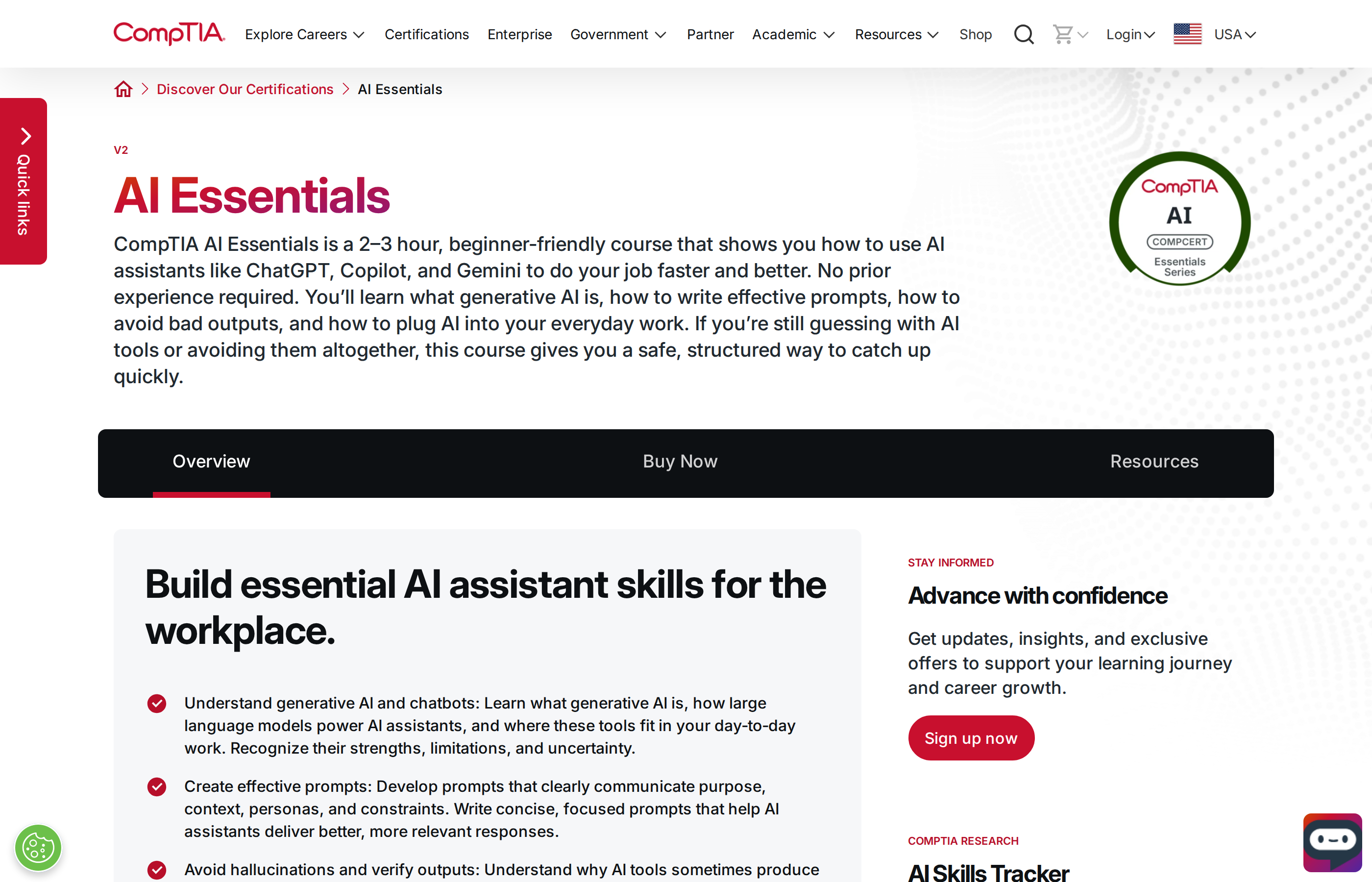
Quick verdict
| Category | Verdict |
|---|---|
| Best for | IT pros who want practical AI assistant skills fast |
| Provider | CompTIA |
| Credential type | AI Essentials CompCert / competency certificate |
| Format | Short course plus competency assessment |
| Duration | About 2–3 hours of content |
| Practical ROI | Good for beginners and support staff |
| Biggest limitation | Too shallow if you want engineering-level AI depth |
| My recommendation | Worth it as a quick, low-friction AI baseline |
Official page: https://www.comptia.org/en-us/certifications/ai-essentials/
What this credential actually is
CompTIA AI Essentials is not a deep technical AI engineering program.
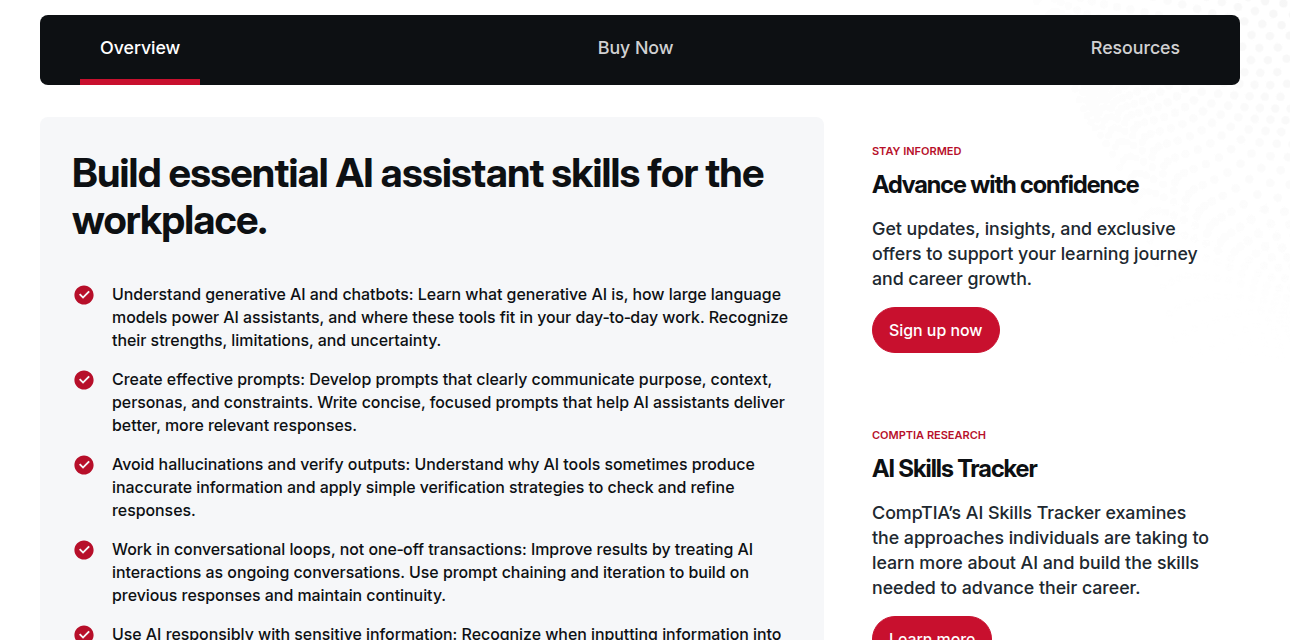
It is a compact, beginner-friendly learning path focused on:
- what generative AI and chatbots are
- how AI assistants like ChatGPT, Copilot, and Gemini fit into daily work
- how to write prompts that get better results
- how to verify outputs and avoid hallucinations
- how to use AI responsibly with sensitive information
- how to identify practical workplace use cases
That makes it closer to a workplace AI literacy credential than a traditional cloud or security cert.
For many IT professionals, that is actually a strength.
You do not always need a six-month study plan to prove you can use AI well. Sometimes you just need a structured way to stop guessing and start using the tools productively.
Why IT pros should care
This credential fits a very common real-world situation:
- users are asking about AI tools
- managers want productivity wins
- leadership wants “safe AI adoption”
- support teams need to know what employees can and cannot paste into public AI tools
That is already IT work.
For desktop engineers, sysadmins, and service desk staff, the value is not that AI Essentials makes you an AI architect.
The value is that it gives you a vocabulary and workflow for:
- prompt writing
- output validation
- policy-aware AI usage
- support productivity
- faster first drafts for documentation, troubleshooting, and communication
In other words, it helps you become the person who can actually use AI instead of just talking about it.
What the course covers
CompTIA says the course focuses on essential AI assistant skills for the workplace.
The highlighted outcomes are practical rather than theoretical:
- understand generative AI and chatbots
- create effective prompts with purpose, context, personas, and constraints
- avoid hallucinations and verify outputs
- work in conversational loops instead of one-off prompts
- use AI responsibly with sensitive information
- identify practical AI use cases in your role
That is a good topic mix for IT professionals because it maps to real tasks:
- rewriting internal instructions
- drafting ticket responses
- summarizing incident notes
- turning rough notes into a checklist
- creating first-pass troubleshooting steps
- asking better questions of AI tools
The assessment matters more than the marketing
A lot of AI learning products are really just content.
CompTIA AI Essentials is more interesting because it ends with a competency assessment and a downloadable CompTIA CompCert.
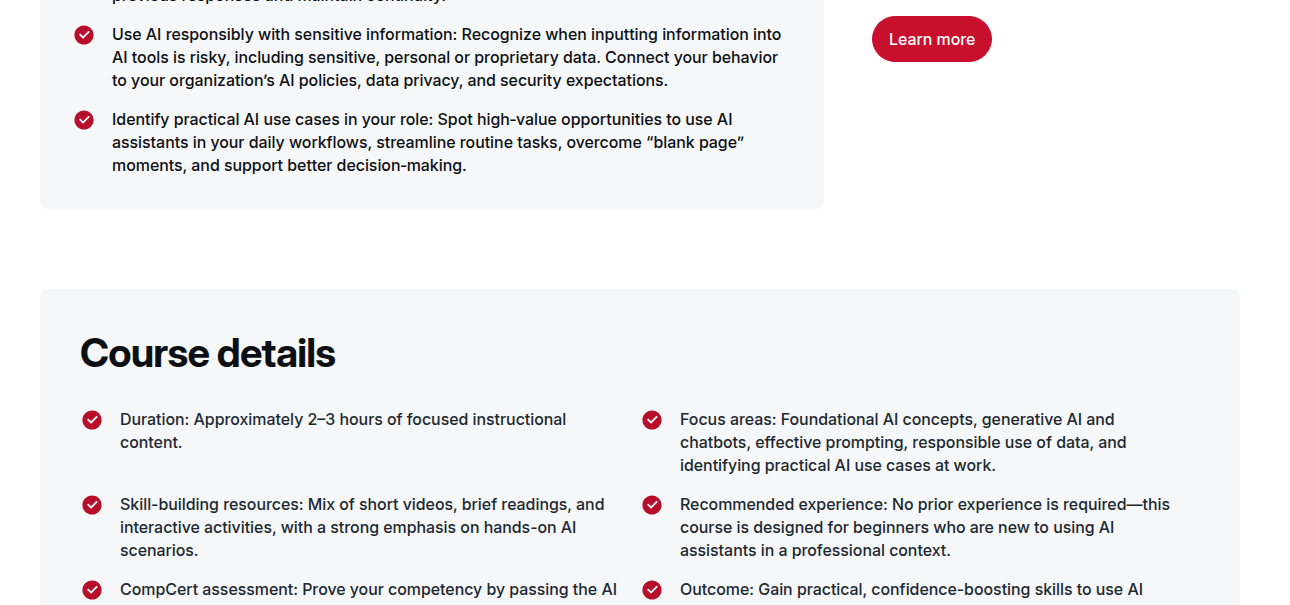
That is the right kind of signal for entry-level AI learning.
It tells employers you did not just watch a few videos. You completed a structured competency path and demonstrated that you understand the basics well enough to earn a credential.
The assessment is not a proof of deep technical mastery.
But for desktop engineering and support roles, that is okay. You usually need operational fluency first, not model training expertise.
Where it delivers real ROI
This credential has the best ROI when you need quick, immediately usable skills.
Good use cases
- help desk leads who want to standardize AI-assisted responses
- desktop engineers who want to use AI for documentation and analysis
- sysadmins who need to understand AI safety basics before approving tools
- IT staff who want a fast credential to support broader AI upskilling
- job seekers who need an affordable entry point into AI-aware work
Less useful use cases
- AI engineers who need code-heavy depth
- cloud architects building AI infrastructure
- data professionals working on model pipelines
- experienced users who already know prompt design and AI governance
If you already live in the AI/product engineering world, this will feel too light.
If you are in mainstream IT and want a quick baseline credential, it is much more credible than a random free course completion.
How it compares with Microsoft, AWS, and Google options
For IT pros, the real question is usually not “Is this good?”
It is “Is this the best use of my time compared with other AI credentials?”
| Credential | Strength | Best fit |
|---|---|---|
| CompTIA AI Essentials | Fast, practical AI basics | IT pros new to AI assistants |
| Microsoft AI-901 (replaced AI-900) | Strong Azure/Microsoft foundation | Microsoft-heavy desktop and cloud teams |
| AWS Certified AI Practitioner | Cloud-branded AI fundamentals | AWS-aligned infrastructure careers |
| Google Cloud Generative AI Leader | Broad strategic AI awareness | Cross-functional or business-facing roles |
| Microsoft Applied Skills badges | Hands-on product validation | Teams that need lab-based proof |
If you work in a Microsoft-heavy shop, AI-901 or a Microsoft Applied Skills badge will usually have more direct ecosystem value.
If you need the quickest possible practical baseline, AI Essentials is easier to consume and cheaper in time.
Who should skip it
Skip it if you already have strong AI literacy and want something that challenges you.
You probably want a different certification if you are:
- building copilots, agents, or AI apps
- studying Azure OpenAI, Bedrock, or Vertex AI
- preparing for a cloud AI role
- looking for hands-on technical assessment depth
In that case, use AI Essentials only as a lightweight onboarding step, not a destination.
Bottom line
CompTIA AI Essentials is worth it for IT pros who want a quick, practical AI baseline.
It will not transform your career by itself.
But it can help you:
- speak more confidently about AI at work
- use AI tools more safely and effectively
- build a foundation before choosing a deeper credential
- get a recognizable credential without a huge time investment
For desktop engineers, sysadmins, and support staff, that is a reasonable trade.
If you want the fastest route into AI fluency without committing to a more technical certification yet, this is a solid place to start.