
AI Prompt-to-PowerShell Workflow for Desktop Engineers (Safe, Fast, Repeatable)
Most desktop engineers already know PowerShell. The hard part is not syntax anymore—it’s speed under pressure.
When incidents pile up, you need to go from idea to working script quickly, but still keep quality high. AI can help with that jump if you run a controlled workflow instead of copy-pasting random output into production.
This guide gives you a practical prompt-to-script system that endpoint teams can actually use in enterprise environments.
By the end, you’ll have:
- A 6-stage workflow from ticket to approved script
- Prompt templates that generate better first drafts
- A validation matrix for safe rollout
- A governance model that satisfies security and audit requirements
Table of Contents
- Why Prompt-to-Script Matters for Desktop Teams
- The 6-Stage AI PowerShell Workflow
- Stage 1: Define the Operational Intent
- Stage 2: Prompt for Structure, Not Magic
- Stage 3: Harden the Script Before Testing
- Stage 4: Test in Rings with Exit Criteria
- Stage 5: Package, Deploy, and Observe
- Stage 6: Document the Pattern for Reuse
- Three Real Desktop Use Cases
- Security and Governance Guardrails
- FAQ
- Next Step CTA
Why Prompt-to-Script Matters for Desktop Teams
Desktop engineering teams spend a lot of time on repetitive automation:
- cleanup routines
- app pre-checks
- policy drift detection
- user profile fixes
- post-incident data collection
AI can shorten draft time from 45–60 minutes to 10–15 minutes for many of these tasks.
But fast drafts only matter if they’re reliable.
The winning model is:
- AI drafts structure and logic candidates
- Engineer validates behavior and safety
- Team operationalizes with versioning, rollout rings, and monitoring
That gives you speed without turning your endpoint fleet into a test lab.
The 6-Stage AI PowerShell Workflow
Use this production flow every time:
- Define intent and constraints
- Prompt for modular script skeleton
- Harden code quality and safety
- Test in rings with clear pass/fail
- Deploy with telemetry and rollback
- Document and templatize
Screenshot: 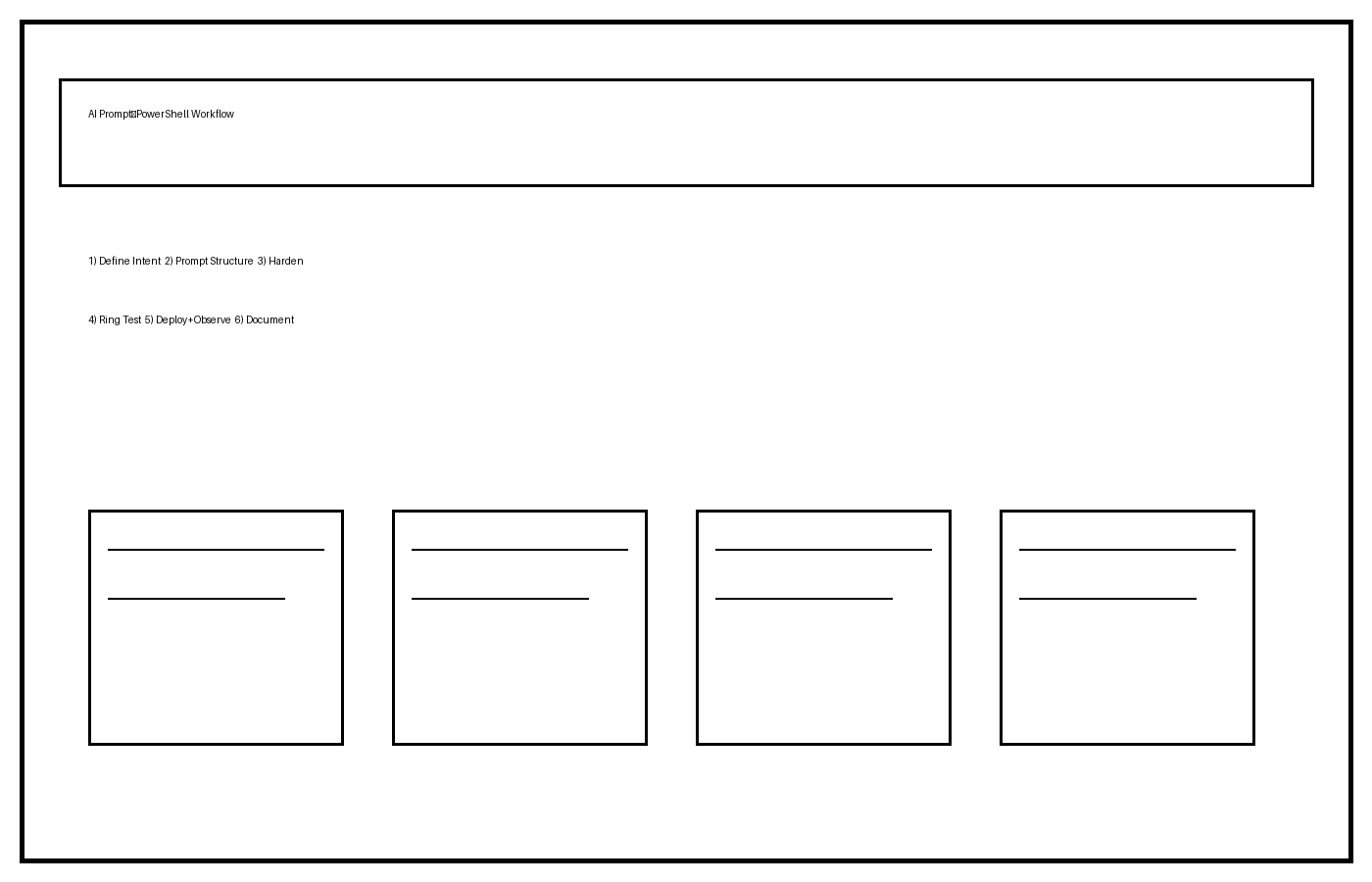
Think of AI as a junior pair-programmer that never sleeps—but still needs senior review.
Stage 1: Define the Operational Intent
Before any prompt, write a one-page script brief.
Required fields:
- Problem statement (what is broken or slow)
- Scope (which devices/users are in scope)
- Trigger mode (manual, scheduled, remediation)
- Success criteria (what “fixed” means)
- Safety constraints (what script must never do)
- Logging requirements (what evidence to capture)
Example brief objective:
“Detect and remove stale user profiles older than 45 days on shared kiosk endpoints, excluding service accounts and currently logged-in users, then write an auditable JSON report.”
This forces precision early and prevents vague AI output.
If you need baseline cleanup ideas first, review: Remove Old User Profiles Script.
Stage 2: Prompt for Structure, Not Magic
Don’t ask AI to “write the full script and make it perfect.” Ask for a structured draft with explicit sections.
Use this template:
You are helping with enterprise desktop engineering automation.

Task:
Create a PowerShell script skeleton for: <objective>

Environment:
- Windows endpoint fleet
- Runs as SYSTEM in Intune remediation
- Must support PowerShell 5.1+

Requirements:
1) Functions for: prechecks, main action, logging, and summary output.
2) Add -WhatIf support where practical.
3) Include transcript/log file path handling.
4) Use try/catch with meaningful error messages.
5) Return exit codes mapped to remediation/reporting.
6) Add comment-based help and parameter block.

Constraints:
- No destructive defaults.
- No assumptions about internet access.
- Do not include secrets.

Output format:
- Script code
- Brief explanation of each function
- List of assumptions to validate
This prompt pattern reliably produces inspectable code instead of chaotic one-shot blobs.
Screenshot: 
For script hardening patterns, keep this nearby: PowerShell Error Handling for IT.
Stage 3: Harden the Script Before Testing
AI-generated drafts usually fail in predictable ways:
- weak input validation
- poor error taxonomy
- missing idempotency
- brittle path assumptions
- overconfident comments vs actual behavior
Run a hardening checklist:
Core hardening checks
- Add
Set-StrictMode -Version Latestwhere compatible - Validate paths, registry keys, and service names before action
- Ensure reruns are safe (idempotent behavior)
- Add explicit timeouts for long operations
- Normalize output objects for consistent reporting
Logging standard
Capture:
- script version
- hostname/device ID
- start/end timestamps
- operation results per target item
- failures with actionable error context
Exit code mapping (example)
0= compliant/success1= remediated successfully2= non-remediable condition3= transient error (retry candidate)
If your endpoint tooling uses specific codes, align to that standard and document it in the header.
Stage 4: Test in Rings with Exit Criteria
Never move AI-assisted scripts directly to broad deployment.
Use a ring model:
- Lab ring (2–5 devices): validate core behavior
- Pilot ring (20–50 devices): validate edge cases
- Production ring (target scope): staged rollout
Screenshot: 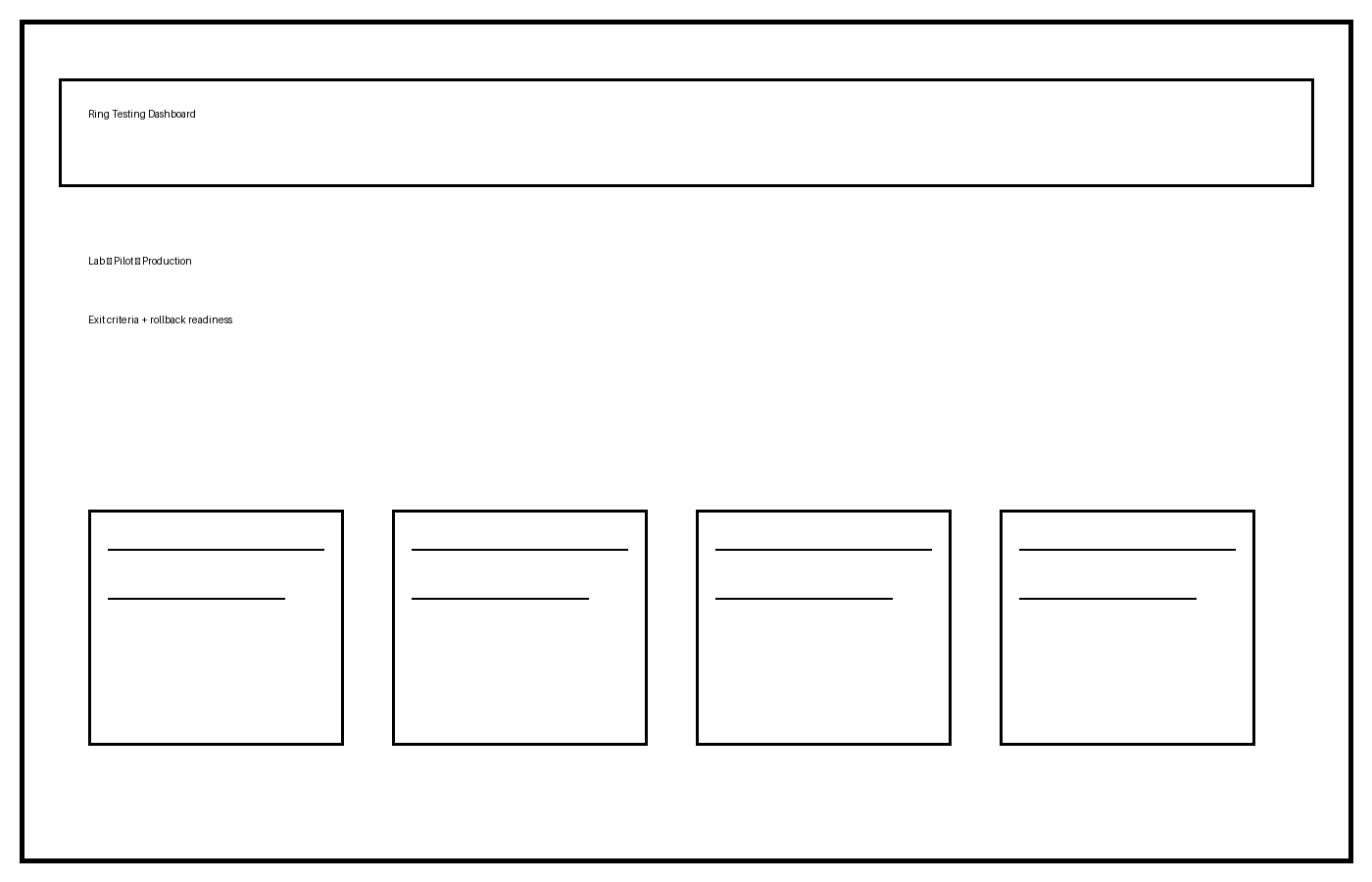
Exit criteria examples
Lab to Pilot:
- 100% expected actions completed
- no unhandled exceptions
- log schema validates
Pilot to Production:
- failure rate under defined threshold
- no user-impacting regressions
- rollback script validated
This is where engineering discipline beats “AI confidence.”
Stage 5: Package, Deploy, and Observe
Deployment quality is more than script correctness.
For Intune/SCCM workflows:
- package detection/remediation logic clearly
- attach version + change ticket metadata
- define rollback/disable path before enablement
- monitor telemetry in first 24–48 hours
Recommended first-day monitoring:
- success/remediation/failure counts by ring
- recurring error signatures
- runtime duration spikes
- impact by hardware model or OS build
For broader deployment context, see: Deploy Apps with Intune Win32.
Stage 6: Document the Pattern for Reuse
If a script solved one real incident, turn it into a reusable playbook.
Add to your internal library:
- objective statement
- approved prompt template used
- final script version
- test evidence summary
- known edge cases
- rollback instructions
Over time, this becomes your team’s AI automation system, not random one-offs.
Three Real Desktop Use Cases
1) Stale Profile Cleanup on Shared Endpoints
AI helps draft exclusion logic and reporting shape quickly. Engineer validates profile selection, lock-state handling, and deletion safety.
2) App Health Precheck Before Win32 Deployment
AI drafts modular checks (disk space, service state, prereq registry values). Engineer validates detection accuracy and false-positive rate.
3) Policy Drift Snapshot Script
AI drafts collection logic for local policy/service/setting state. Engineer validates data normalization, performance overhead, and privacy handling.
These are exactly the kinds of workflows where AI provides speed without sacrificing control.
Security and Governance Guardrails
To make this sustainable in enterprise teams, formalize policy early.
Minimum policy controls:
- Allowed data classes for prompt input
- Required redaction for host/user identifiers
- Prohibited content (secrets/tokens/internal topology)
- Mandatory human review before production deployment
- Audit marker for AI-assisted script creation
Operational governance:
- Keep prompts in version control
- Require peer review for high-impact scripts
- Tie script release to change tickets
- Track defect rate vs manually-authored baseline
Your goal is simple: faster automation with lower operational risk.
FAQ
Is AI-generated PowerShell safe for enterprise use?
It can be, if you enforce validation, redaction, ring testing, and review. Unsafe use comes from skipping controls, not from AI itself.
Should junior engineers use this workflow?
Yes. It gives structure and raises consistency—especially when seniors define approved templates and checklists.
What’s the biggest failure mode?
Treating AI output like final truth. Use it as a strong draft, then validate with deterministic tests.
Can this work without cloud AI tools?
Yes. Private model endpoints or internal model hosting can support the same prompt-to-script workflow.
What metric shows improvement?
Track draft-to-approved cycle time, deployment defect rate, and mean time to remediation for scripted incidents.
Next Step CTA
Run this 7-day experiment:
- Pick two recurring desktop incidents
- Use the same prompt template for both
- Apply ring testing and audit logging
- Compare time-to-approved-script against your previous process
If you do this honestly, you’ll quickly see where AI accelerates engineering work—and where guardrails matter most.